


Your net worth is everything you own minus everything you owe. A net worth tracker adds it up for you: it links or records your bank accounts, investments, property and debts, and shows the total over time.
Most net worth apps are built around budgeting. This guide looks at them from an investor’s side: how well each one tracks stocks, funds and crypto as well as cash and property. Prices and features come from the official pages, checked on 4 Nov 2026, and can change. It is general information, not financial advice.
For a free net worth overview with bank and broker links, start with getquin. For investments and dividends, Snowball Analytics. For property, private assets and family wealth in one place, Kubera.
Net worth trackers at a glance
| App | Best for | Tracks | Free plan | Paid from |
|---|---|---|---|---|
| Snowball Analytics | Investors who want returns and dividends | Stocks, ETFs, funds, cash, custom assets such as property | Yes, 1 portfolio and 10 holdings | USD 6.67 a month billed yearly |
| getquin | A free overview of all your banks and brokers | Investments, bank accounts, net worth | Yes, unlimited connections | EUR 89.99 a year |
| Sharesight | Dividend and tax reports across brokers and countries | Stocks, ETFs, funds, crypto, cash accounts, property and other unlisted assets | Yes, 1 portfolio and 10 holdings | USD 7 a month billed yearly |
| Delta | Stocks and crypto in one app | Stocks, funds, crypto, commodities, forex | Yes, 10 tracked assets | USD 4.49 a month billed yearly |
| Kubera | Complex wealth: property, private assets, crypto, family | Almost anything you own or owe | No. 14-day free trial | USD 250 a year |
| Empower Personal Dashboard | A free US dashboard for retirement accounts | Bank, investment and retirement accounts, loans, cards | Yes, free | No paid plan for the dashboard |
| Monarch | Budgeting and net worth together | Bank accounts, investments, property, loans, cards | No. First week free | See the official pricing page |
Prices are from each app’s official pricing page and our tool data. Taxes can be added at checkout, and prices can differ by country.
How we picked
We looked for apps that do three things well: link or import your accounts so you do not type every number by hand, include investments properly (not just a single balance), and show your net worth over time. We then checked each app’s official pages for its free plan, prices and what it can track. Snowball, getquin, Sharesight, Delta and Kubera also appear in our portfolio tracker ranking, where the scores on the cards above come from. The cards list the highest score first.
Snowball Analytics: best for investors who want returns and dividends
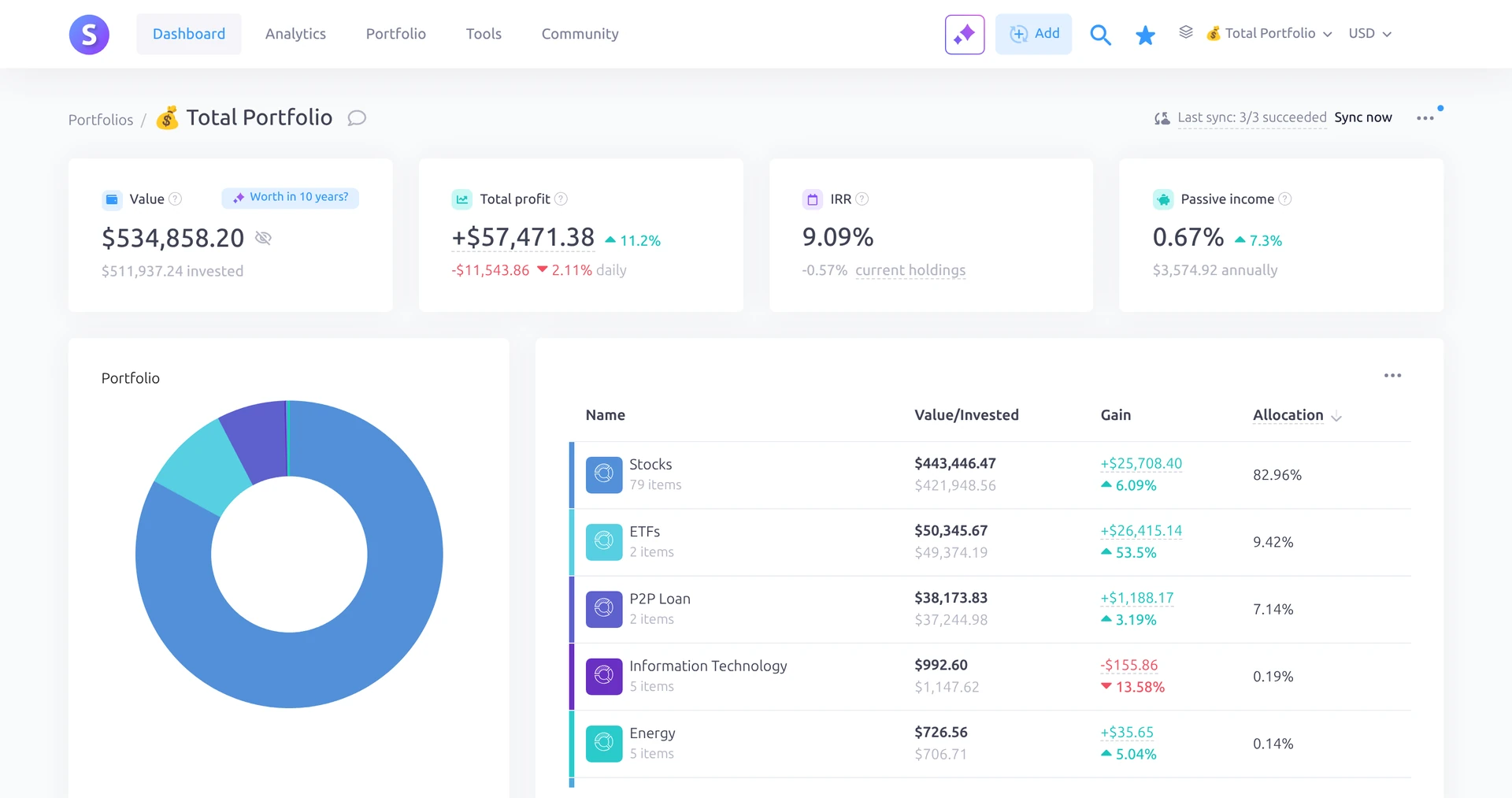
Snowball Analytics is a portfolio tracker first. It works out your real return including fees and dividends, shows a dividend calendar, and breaks your holdings down by sector, country and asset class. For a net worth view, you can add cash accounts and custom assets such as deposits and property next to your investments.
- Free plan: 1 portfolio, 10 holdings, 1 custom asset and cash accounts. You can import broker reports.
- Paid: Starter from USD 6.67 a month billed yearly, adding unlimited holdings, 5 custom assets and broker linking. Investor and Expert allow more portfolios and unlimited custom assets. Every paid plan has a 14-day free trial with no card needed.
- Suits: investors whose wealth is mostly in stocks and funds.
- Less suited to: tracking day-to-day spending or many bank accounts.
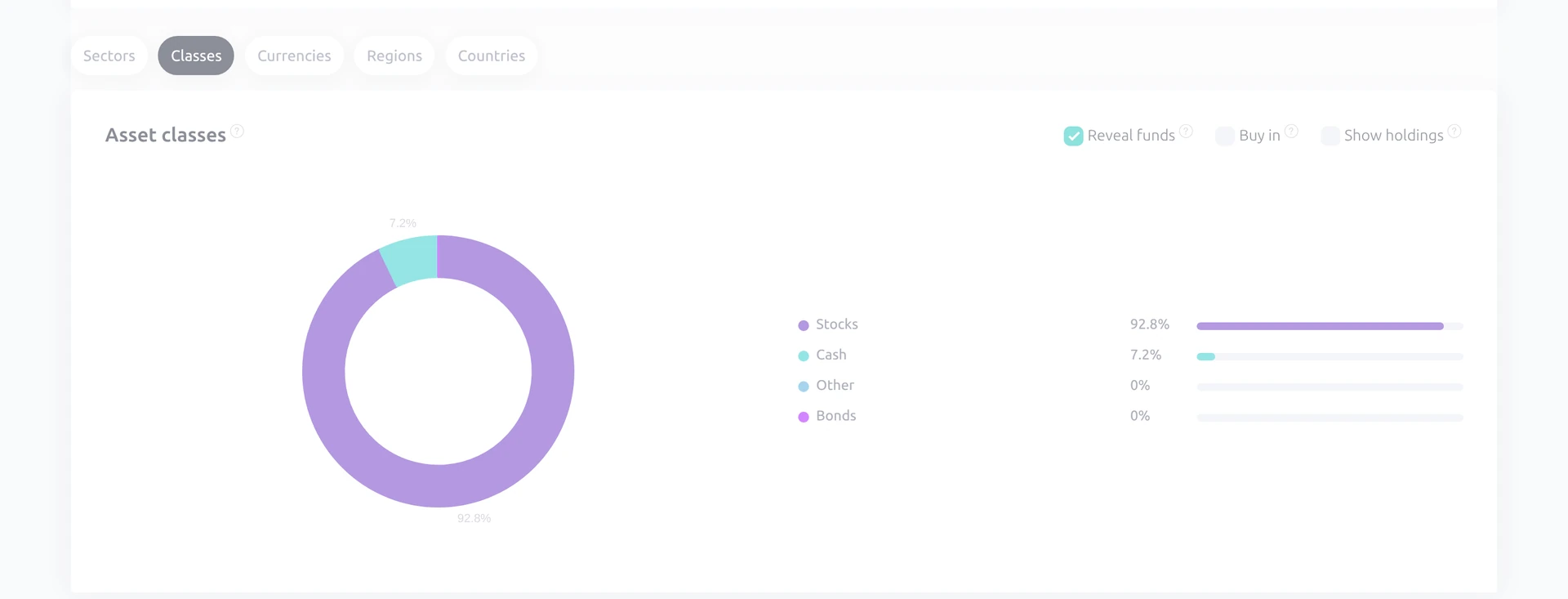
Snowball ranks first in our portfolio tracker ranking. See our Snowball Analytics review.
getquin: best free net worth tracker for linking banks and brokers
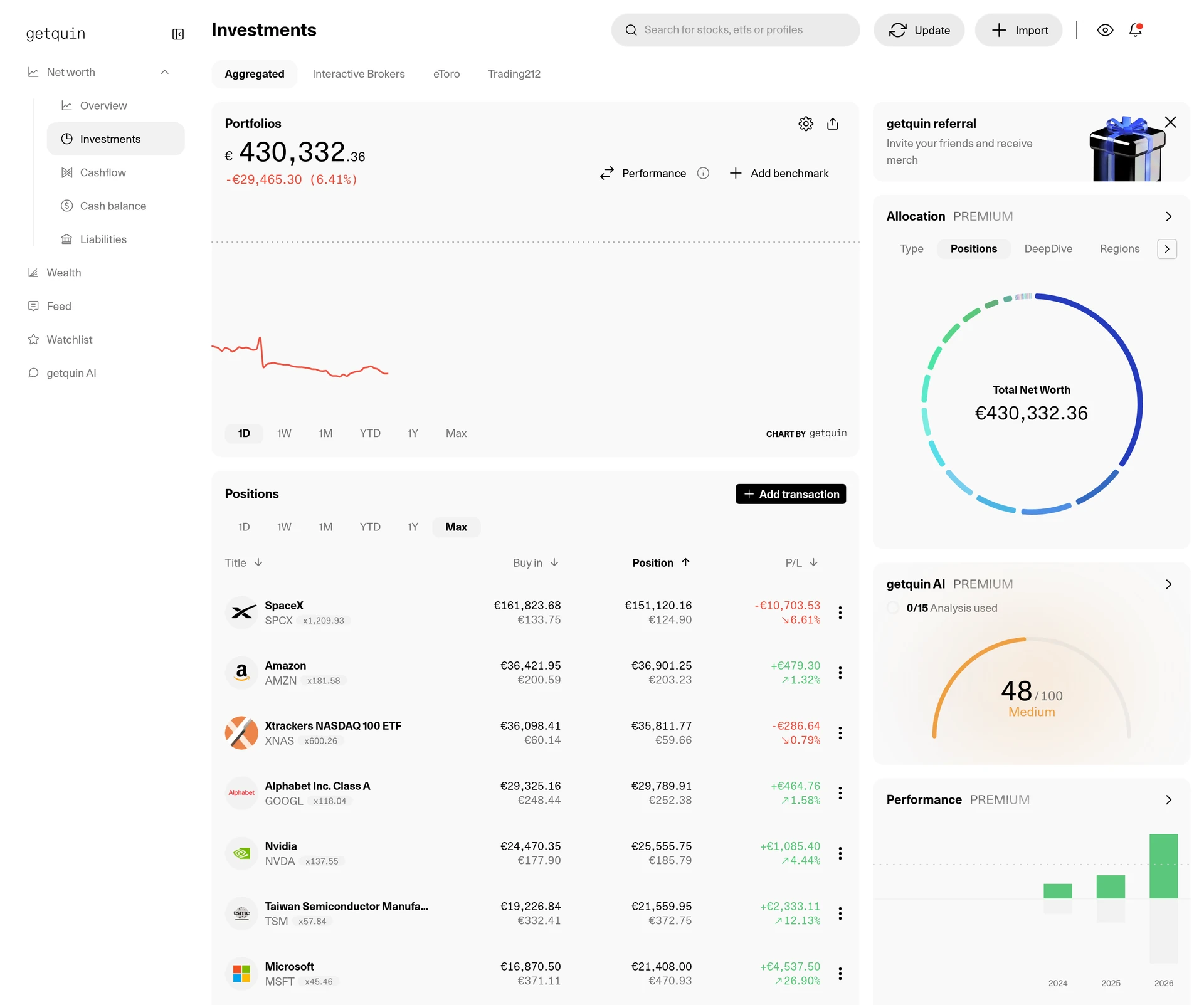
getquin links your banks and brokers and adds them up into one net worth overview. Unusually, the free plan already includes unlimited bank and broker connections and real-time data. Prices are in euros.
- Free plan: unlimited bank and broker connections, real-time data, a net worth overview and essential portfolio analysis.
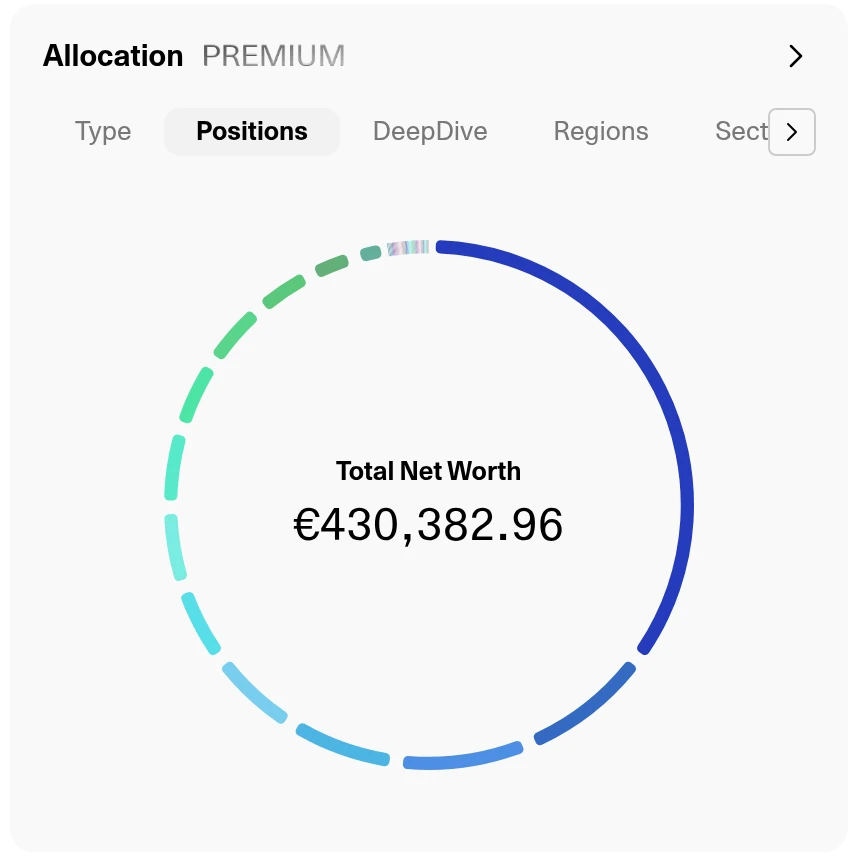
- Paid: Premium for EUR 89.99 a year adds AI portfolio analysis, dividend forecasts and a detailed allocation, with a 7-day free trial. Wealth for EUR 149.99 a year adds financial planning, goals and a retirement plan.
- Suits: investors with several banks and brokers who want one free view.
- Less suited to: anyone who wants deep company research or prices in US dollars.
See our getquin review.
Sharesight: best for dividend and tax reports across brokers
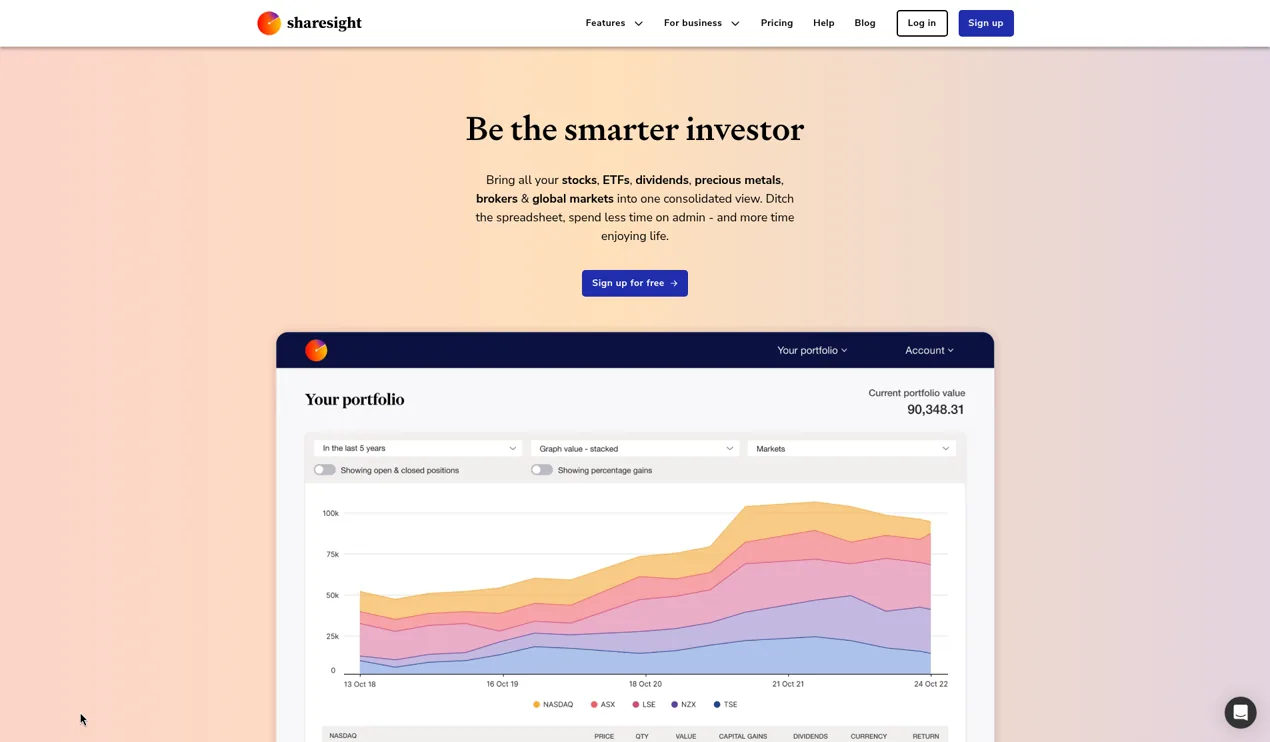
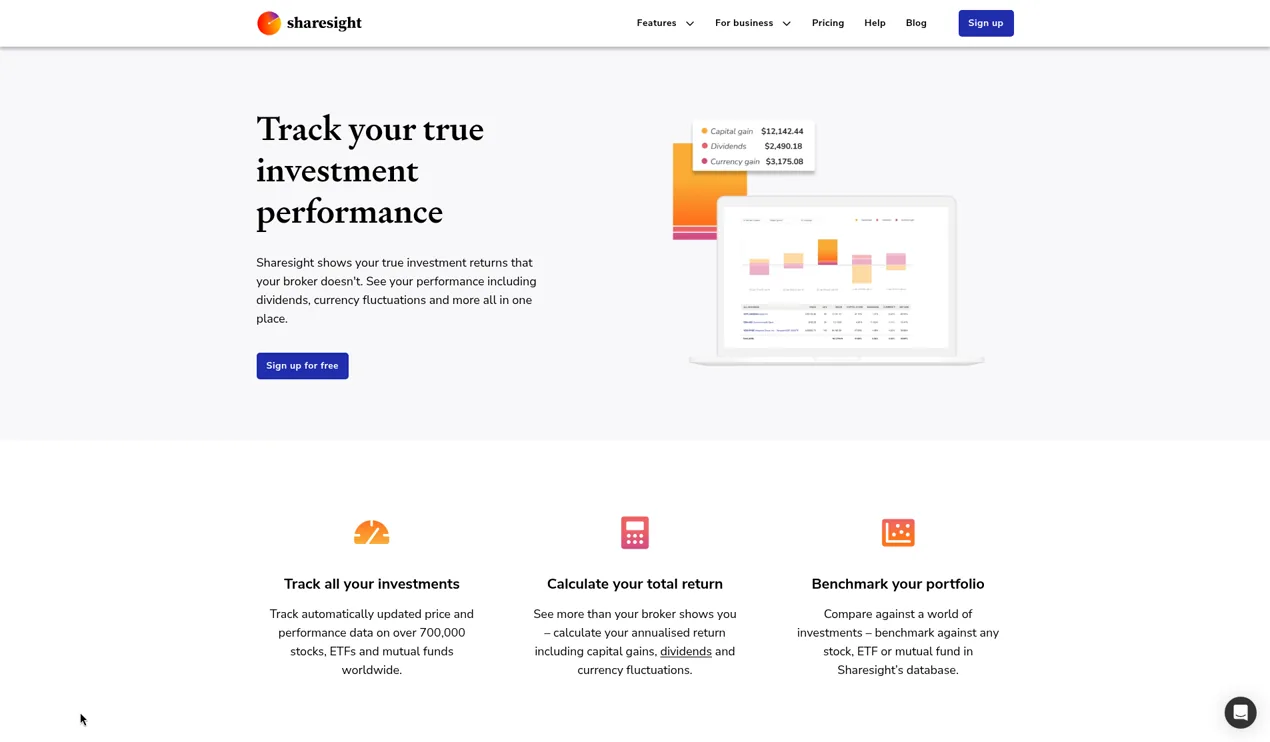
Sharesight is a portfolio tracker that, by its own count, more than 200,000 investors use. It records trades, dividends and corporate actions automatically and covers 60+ stock exchanges. Its official features page says you can add cash accounts and property to get the full picture, and every plan can record unlisted investments. It does not list bank syncing or debts, so it shows your investment wealth rather than a full balance sheet.
- Free plan: 1 portfolio and 10 holdings, counting closed positions. No tax reports on the free plan.
- Paid: Starter from USD 7 a month billed yearly. Standard and Premium add more portfolios and reports such as future income and multi-currency valuation. A free trial is not mentioned on the pricing page, but free users get a demo portfolio with every report.
- Suits: dividend investors with several brokers or holdings in more than one currency, and anyone who wants performance and tax reports.
- Less suited to: budgeting, bank accounts or debts.
See our Sharesight review.
Delta: best for stocks and crypto in one app
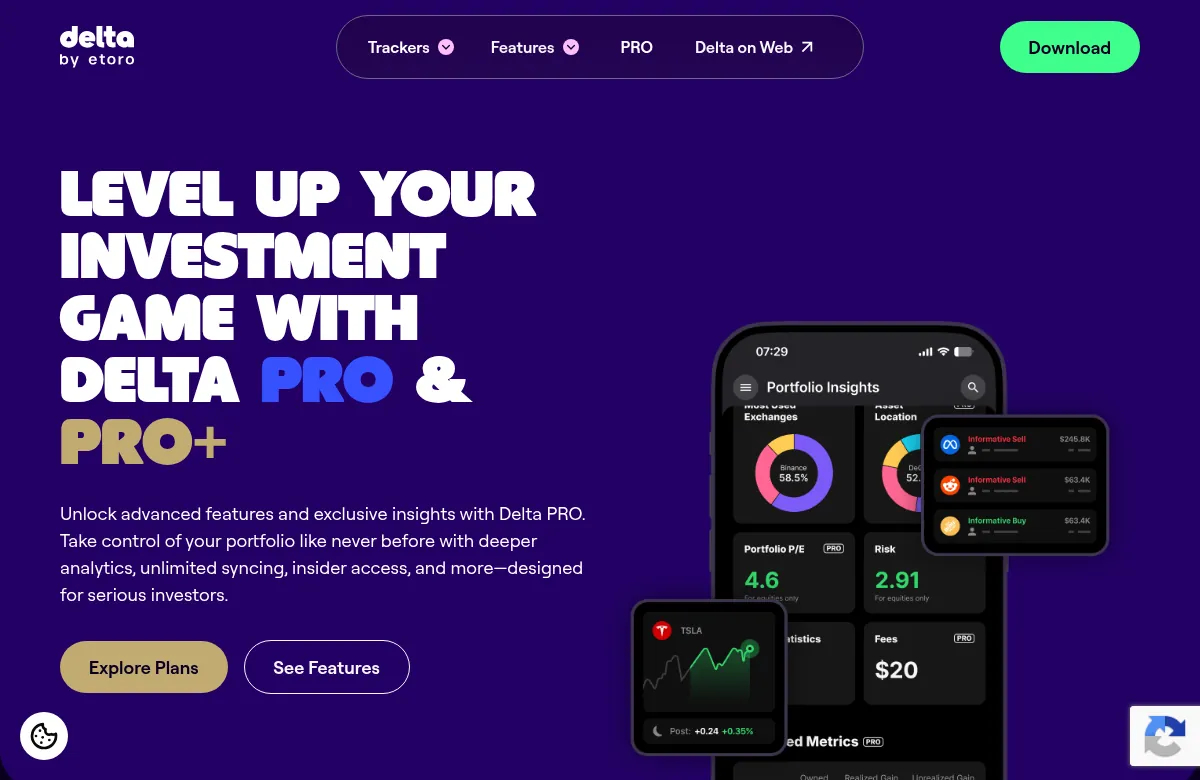
Delta tracks stocks, funds, crypto, commodities and forex in one app, and connects to brokers, exchanges and wallets. Its official pages focus on investments rather than bank accounts or property, so it gives you an investment net worth rather than a full balance sheet.
- Free plan: Delta Basic, with 10 tracked assets, unlimited connections and limited insights.
- Paid: PRO from USD 4.49 a month billed yearly for 40 assets, or PRO+ for unlimited assets and several portfolios. A lifetime PRO+ plan costs USD 299. Prices can vary by location.
- Suits: investors who hold both crypto and stocks.
- Less suited to: tracking property, cash or debts.
See our Delta review.
Kubera: best for property, private assets and family wealth
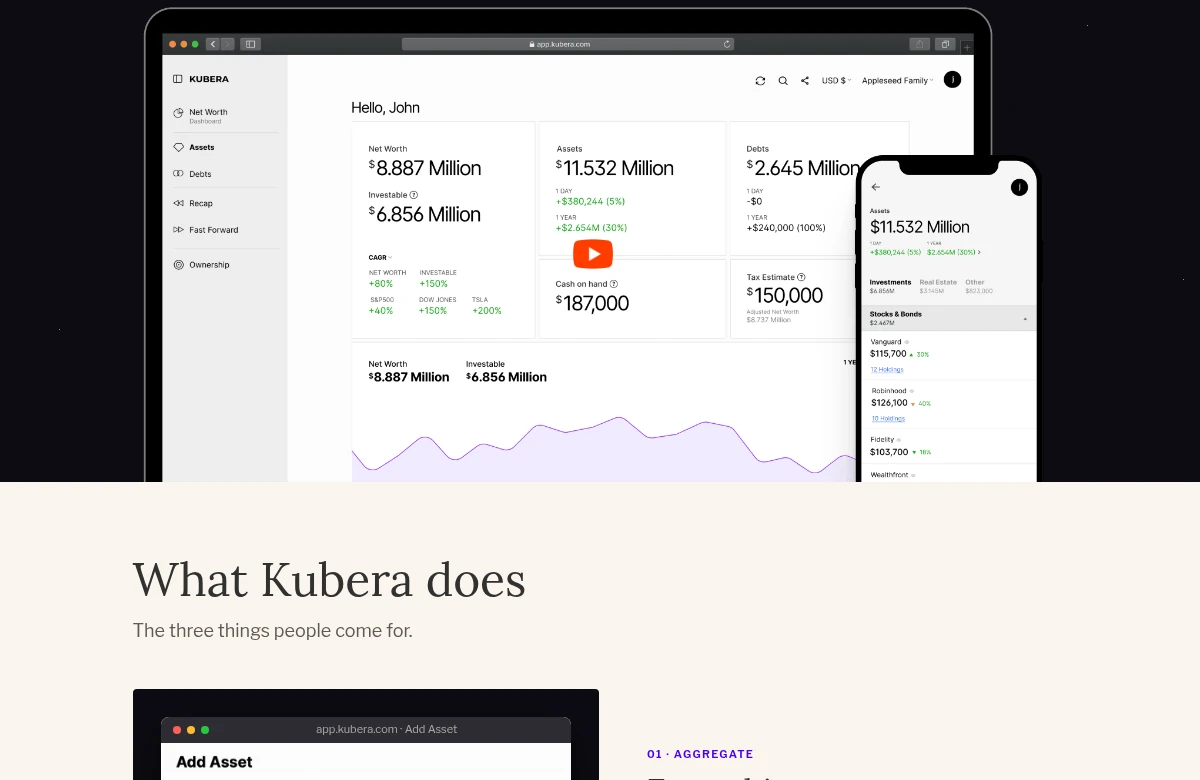
Kubera is a net worth tracker in the purest sense: a personal balance sheet. It links banks and brokers around the world through several data providers, and when an institution does not connect, its Web Sync reads the numbers from that website. It also tracks crypto wallets and DeFi, private investments, real estate, vehicles, gold and other assets, in any currency.
- Free plan: none. There is a 14-day free trial with every feature, and you choose a plan when it ends.
- Paid: Essentials for USD 250 a year, a flat price whatever your wealth. Black adds tools for trusts, companies and several owners.
- Suits: people with many kinds of assets, expats with money in several currencies, and families who want to share one view with an accountant or adviser.
- Less suited to: beginners with one broker account, since the free trackers in this guide may already cover it.
See our Kubera review.
Empower Personal Dashboard: a free option for US accounts
The Empower Personal Dashboard is free. You can connect bank accounts, investment accounts, IRAs, 401(k)s, mortgages, loans and credit cards, and see your net worth, cash flow and a portfolio analysis. The account types it lists are US ones, so it suits US investors best.
Empower also sells paid wealth management. This guide covers only the free dashboard, not its paid advice. If you want an Empower alternative that is not tied to US accounts, getquin and Snowball are free to start.
Monarch: budgeting and net worth together
Monarch is a budgeting app with a strong net worth view. It brings together bank accounts, investments, credit cards, loans and property, and can pull home values from Zillow. It also has features for couples. There is no free plan: Monarch is paid, with your first week free and a money-back guarantee. It goes further on spending and budgets than the investor apps above, and less far on investment analysis.
How to choose
- You mainly invest and want returns and dividends: Snowball Analytics.
- You want a free overview of all your banks and brokers: getquin.
- You want dividend and tax reports across brokers and currencies: Sharesight.
- You hold stocks and crypto and want one app: Delta.
- You own property, private assets or crypto, or share wealth with family: Kubera.
- You are in the US and want a free dashboard for retirement accounts: Empower.
- You also want to budget: Monarch.
Start with a free plan or trial before you pay. A net worth tracker shows where you stand. It does not tell you what to buy or sell.
Frequently asked questions
What is the best net worth tracker?
It depends on what you own. For investors, Snowball Analytics ranks first in our portfolio tracker ranking and getquin has the strongest free plan for linking banks and brokers. For property, private assets and family wealth, Kubera is built for the job.
Is there a free net worth tracker?
Yes. getquin’s free plan includes unlimited bank and broker connections and a net worth overview. The Empower Personal Dashboard is free for US accounts, and Snowball, Sharesight and Delta have free plans with limits on holdings.
What is a good Empower alternative?
getquin, Snowball Analytics and Kubera are the closest alternatives for investors. getquin and Snowball have free plans. Kubera is paid but tracks more kinds of assets and does not sell financial products.
How is net worth calculated?
Add up the value of everything you own, such as cash, investments, property and vehicles, then subtract everything you owe, such as a mortgage, loans and credit card balances. A tracker does this automatically from your linked and manual accounts.
Do I have to link my bank to use a net worth tracker?
No. Most apps also let you add accounts and assets by hand. Linking saves time and keeps balances current. If you link accounts, read the app’s security page first.
Prices at a glance
Prices from each official pricing page. Prices can differ by region and may exclude tax.
Research, not advice. This article explains how tools work. It is general information, not a recommendation to buy or sell any investment, and not personal advice. Investing puts your capital at risk and you can get back less than you put in. Prices and plans change, so check the official site before you pay.
Some links on this page are affiliate links. If you subscribe through them we may earn a commission, at no extra cost to you. We score every tool on the same published criteria, using facts from official pages and our own testing. How we make money. This page is general information, not personal investment advice.
Read next
 ReviewSnowball Analytics reviewDividend tracking and broker sync at a low price, with a 14-day free trial.Read the review
 Reviewgetquin reviewA free tracker that pulls every broker and bank into one view. Premium adds dividend forecasts, benchmarks and AI analysis.Read the review

 ArticlePortfolio analyzer tools compared (2026), free and paidPortfolio analyzer tools compared in plain English: allocation, overlap, risk and returns in Snowball, Morningstar X-Ray, Sharesight, getquin and Portfolio Visualizer, with prices.Read the article ArticleETF overlap tools compared: how to check if your ETFs overlapFree ETF overlap tools compared in plain English: Snowball and ETFRC shown with VOO vs QQQ, why their numbers differ, and how to check a whole portfolio.Read the article